Can't decide what to do together?
Garden of Dates is your shared list of date ideas. Collect the things you want to do, roll the dice when nobody can choose, put it in everyone's calendar, and keep the photos from every date.
How it works
From "I don't mind, you pick" to a plan
Fill your lists
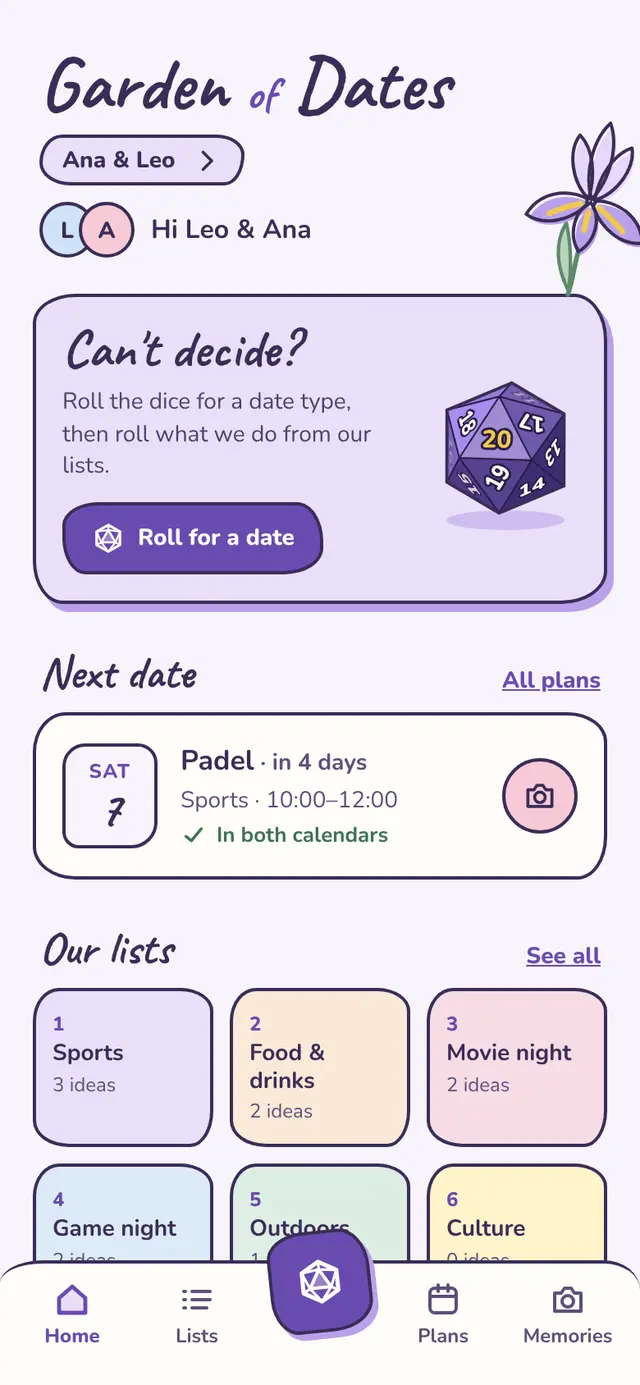
Plant a garden and invite your person with a link (or your family, or the climbing crew). It comes with six lists to start: sports, food & drinks, movie night, game night, outdoors, culture. Everyone adds ideas, and you can see who added what.
Roll the dice
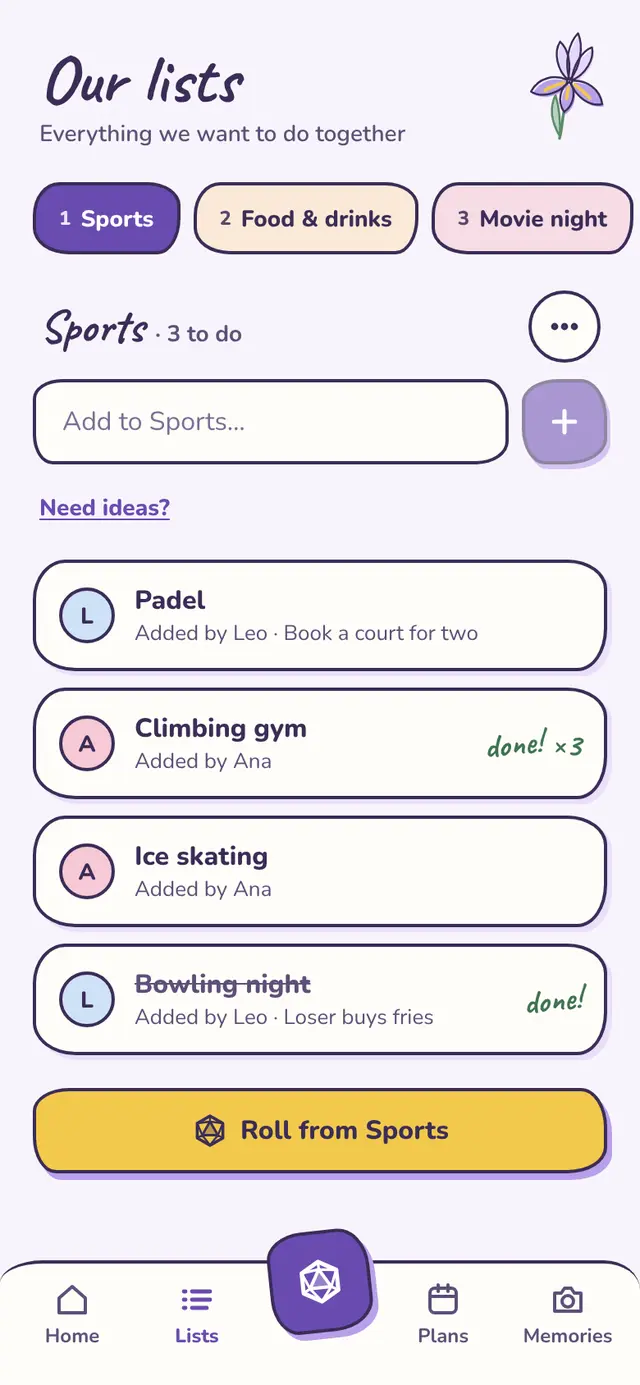
The first die picks the kind of date, the second picks what you'll do from that list. Not feeling movies this week? Tap a list to leave it out of the roll.
Plan it in one go
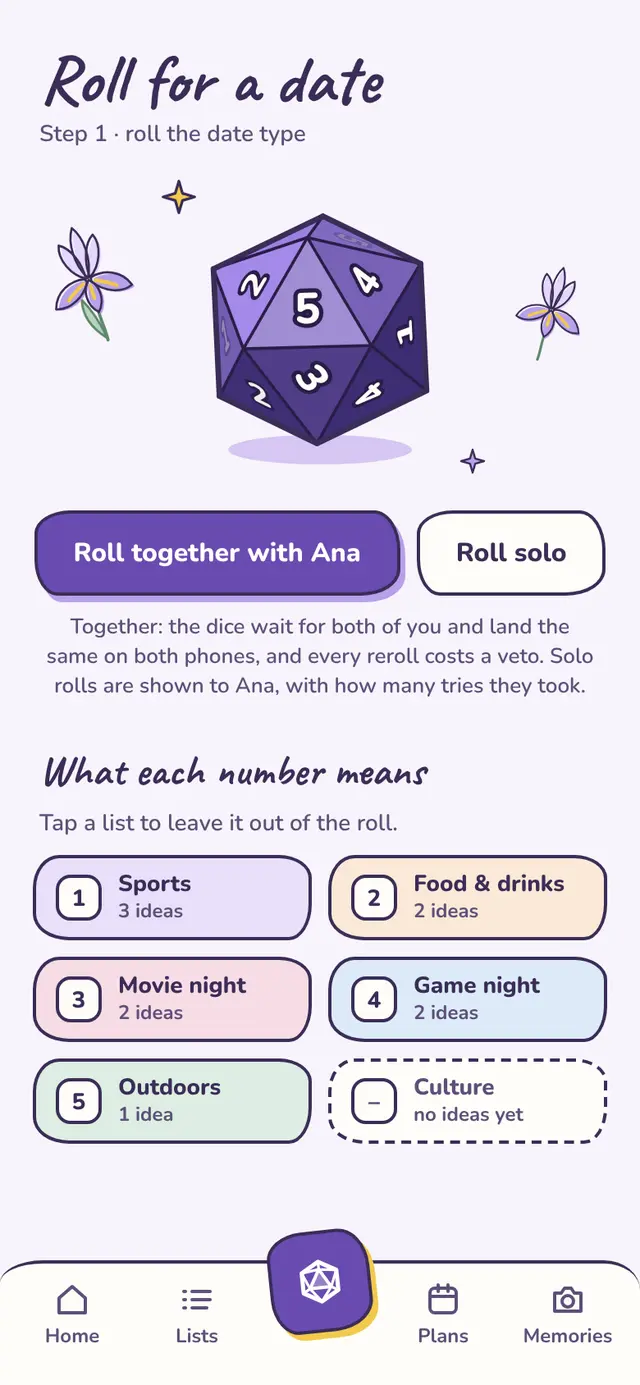
Pick the day, the time and how long. Garden of Dates puts it in your Google Calendar and sends everyone else in the garden an invite, so it's in all your calendars at once.
Keep the memories Plus
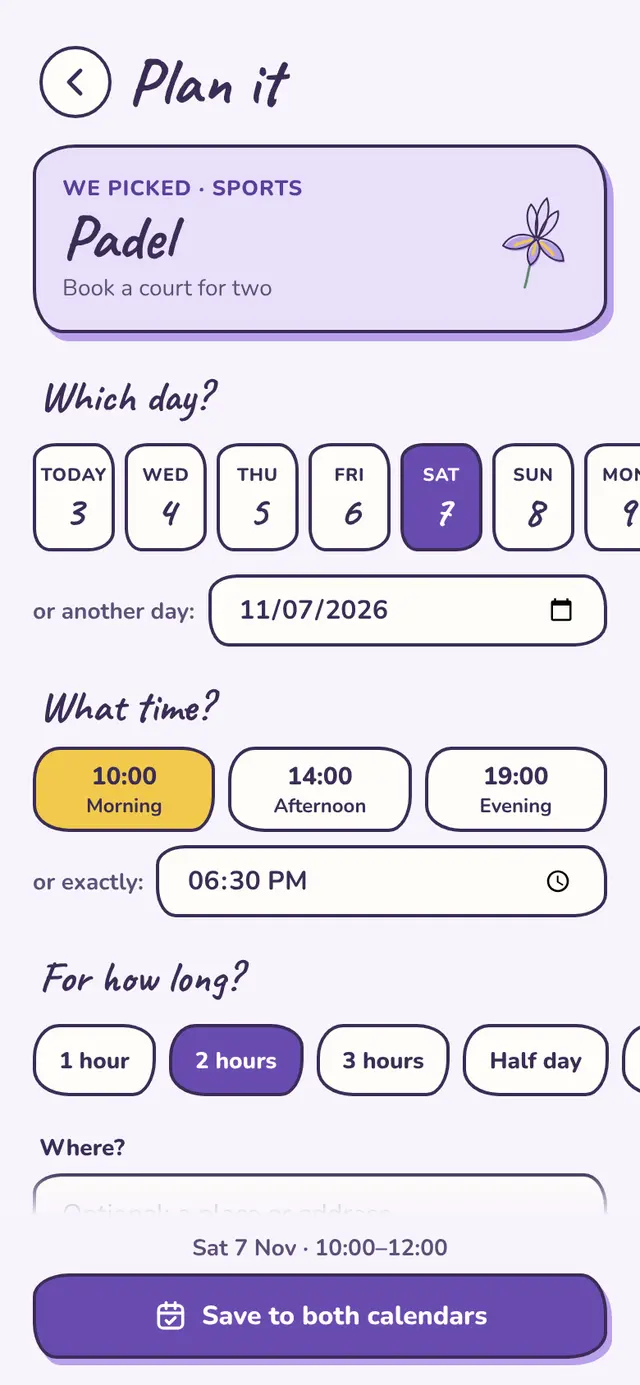
On date day, snap a few photos. They stay with the date, for everyone in the garden, so a year from now you can scroll back through everything you did together.
Free, or Plus forever
Pay once. That's it.
No subscription, nothing that renews. Plus is for a whole garden: when one of you gets it, everyone in that garden has it too.
Free
to plant and play
- As many gardens as you likeOne for the two of you, one for family, one for friends.
- All the lists and ideas you like
- The dice
- Plans in everyone's Google Calendar
Sign in with Google, or with Apple on iPhone.
Plus
pay once per garden, yours forever
- Photo memoriesSnap photos on date day and keep them with the date, up to 1,000 per garden.
- One of you buys it, the whole garden gets it
- On every phone you sign in on, and on the web
A one-time in-app purchase for one garden, on iPhone or Android.
Lists, plans and photos are visible to the people in that garden, and nobody else.
We make money one way: Plus. Your data isn't sold or shared.
We only add the dates you plan, and remove them if you cancel. We never read your other events.
Questions
Good to know
Is Plus a subscription?
No. You pay once for a garden and it keeps Plus forever, on every phone and on the web. There's nothing to restore on a new phone: Plus is saved with the garden.
Does my partner need to buy Plus too?
No. Plus is for the whole garden: one of you buys it, and everyone in that garden gets photo memories. Your other gardens stay free, and each can get Plus of its own.
Is it only for couples?
Not at all. A garden can be the two of you, your family, or your friends. You can be in several gardens, and each has its own lists, plans and photos.
Do we all need Google Calendar?
Only the person planning the date connects a Google Calendar. Everyone else gets a regular calendar invite by email, which works with Apple Calendar, Outlook and the rest. And if you'd rather not connect a calendar at all, just save the date in the app.
How do people join my garden?
From your garden, tap Invite someone and send the link. Each link lets one person in and expires after two weeks.
What if we can't think of any ideas?
Every list comes with ideas you can add with one tap: padel, a ramen crawl, stargazing, a film from the year you met… Then roll.
Can we change plans after rolling?
Of course. Move a date or change the place and everyone invited gets the update in their calendar. Or cancel it, and the idea goes back on the list for another day.
Can I delete my account?
Yes, any time, from inside the app. Gardens where you're the only one are deleted with everything in them; in shared gardens, what you added stays for the others. Here's exactly what gets deleted.
More answers on the help page.
Plant your garden
It takes a minute. Your first roll of the dice is waiting.